
AI agents in 2026 are moving beyond demos and into everyday business workflows. When designed well, they can help teams handle repetitive tasks, gather information, coordinate steps across tools, and escalate decisions that need human judgment. The opportunity is not to automate everything; it is to remove friction from work while keeping people in control. Businesses exploring AI agents in 2026 should start with a clearly defined task, reliable data, and appropriate human oversight.
In this guide, Byteflect Technologies explores 10 practical uses for AI agents in 2026, where they fit best, the risks to manage, and a sensible way to begin. For more background, see IBM’s overview of AI agents and the NIST AI Risk Management Framework.
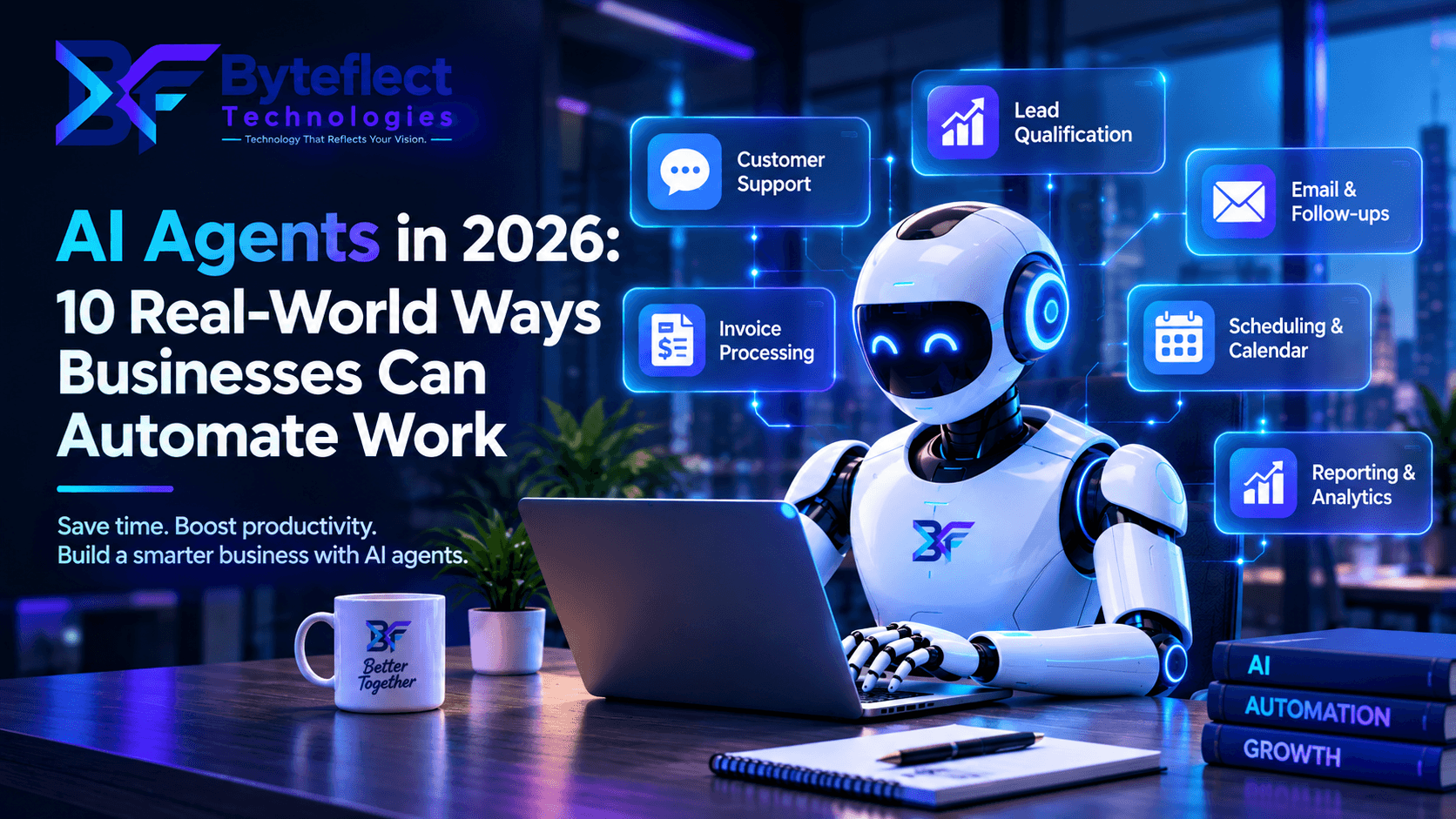
What is an AI agent?
An AI agent is a software system that can work toward a defined goal by interpreting information, choosing from permitted actions, and using connected tools. Depending on its design, it might retrieve records, draft a response, update a CRM, or hand a case to a person. Unlike a simple rule-based automation, an AI agent can use context to decide which approved step is appropriate—but it still needs clear permissions, guardrails, and monitoring.
AI agents are not magic employees. They can misunderstand requests, produce incorrect outputs, or take the wrong action if their tools and permissions are poorly designed. The strongest deployments combine AI with reliable workflows, limited access, and human review for consequential decisions.
10 real-world AI agent use cases for business automation
1. Qualify incoming leads
An agent can ask prospective customers consistent discovery questions, identify their needs, summarize the conversation, and route qualified enquiries to the right sales team. It can also draft a CRM note so a salesperson has context before following up. Keep qualification criteria transparent and let people correct inaccurate summaries.
2. Handle routine customer questions
Connected to approved product documentation and support articles, an agent can answer common questions about setup, policies, order status, or troubleshooting. It should cite or link to relevant information when possible, admit when it cannot find an answer, and transfer sensitive or unresolved cases to a human.
3. Assist with sales follow-ups
After a meeting, an agent can summarize notes, draft a personalized follow-up, suggest next steps, and remind a representative when an opportunity needs attention. Require human approval before sending external messages, especially when the content includes pricing, contractual terms, or commitments.
4. Triage support tickets
An agent can classify incoming tickets by topic, urgency, and product area, detect missing details, and direct each case to an appropriate queue. Teams should test the routing rules against real examples and provide a clear path for customers to request human help.
5. Prepare reports and summaries
Agents can collect approved information from business systems and prepare a first draft of weekly summaries, project updates, or sales reports. Important numbers should be traceable to their source, and a responsible employee should validate the figures before the report is shared.
6. Find information across internal knowledge
When company knowledge is spread across policies, manuals, project documents, and FAQs, an agent can help employees find relevant answers faster. Access controls must follow the permissions of the underlying sources so the system does not reveal confidential information to an unauthorized user.
7. Assist with invoice and document processing
An agent can extract fields from invoices or forms, check whether required information is present, compare entries with approved records, and flag exceptions. Keep financial approvals, payments, and changes to vendor details behind explicit authorization and verification steps.
8. Coordinate project workflows
Agents can turn meeting notes into proposed tasks, identify missing owners or due dates, draft status updates, and remind teams about blocked work. Let project owners approve task creation and changes that affect deadlines, budgets, or other people’s responsibilities.
9. Support eCommerce operations
For online stores, an agent can help answer product questions, summarize customer feedback, assist with product information, and route delivery or return enquiries. It should use current catalog and order data rather than guessing, and follow the store’s actual return, refund, and privacy policies.
10. Help developers and IT teams
Within a controlled development environment, agents can summarize logs, draft test cases, explain code, document changes, or suggest fixes for review. Code changes, production access, secret handling, and deployments should remain subject to established review and release controls.
How to choose the right AI agent workflow
Start with a workflow that is frequent, time-consuming, and easy to evaluate. A useful first project has clear inputs and outputs, an identifiable owner, and a safe way to recover when the agent is uncertain. Avoid beginning with a process that makes high-impact decisions or requires broad access to sensitive systems.
- Map the current process: document the steps, exceptions, systems, and people involved.
- Define success: choose measures such as time to completion, rework rate, escalation quality, or customer satisfaction.
- Limit permissions: give the agent only the tools and data needed for the task.
- Set approval points: require a person to approve actions involving money, legal commitments, sensitive data, or irreversible changes.
- Test realistic cases: include unusual inputs, missing information, and attempts to bypass the rules.
- Monitor after launch: review failures, access logs, output quality, and user feedback, then improve the workflow.
AI agents vs. chatbots vs. traditional automation
These approaches solve different problems. A traditional automation is often best when steps and rules are stable. A chatbot is useful for conversational interactions and information retrieval. An AI agent can be useful when a task requires context-sensitive choices across multiple approved tools. Some reliable systems combine all three rather than choosing only one.
The right choice depends on task complexity, error tolerance, data quality, integration effort, and the cost of reviewing mistakes. More autonomy is not automatically better; use the simplest approach that meets the business need.
What can AI agent implementation cost?
There is no single price that applies to every project. Cost depends on the number of workflows, model and usage requirements, integrations, data readiness, security needs, evaluation effort, and ongoing monitoring. A focused proof of concept using one well-defined workflow is usually a more useful starting point than trying to automate an entire department at once.
Before committing to a build, estimate the current time and cost of the process, identify the likely sources of errors, and calculate what improvement would make the project worthwhile. Include ongoing model usage, maintenance, and human review in the business case—not just the initial development cost.
Common mistakes to avoid
- Automating a process before simplifying or documenting it.
- Giving an agent broad access when a narrow permission set would work.
- Allowing unreviewed actions to send money, make promises, or change critical records.
- Relying on model-generated answers without grounding them in trusted data.
- Launching without evaluation, audit logs, a fallback path, or an owner responsible for issues.
- Measuring activity instead of outcomes such as quality, time saved, and customer experience.
Frequently asked questions
Can small businesses use AI agents?
Yes. A small business can begin with a narrow task such as sorting enquiries, answering common questions from approved documents, or drafting follow-up messages. The best starting point is a workflow with clear boundaries and a measurable result, not the most complicated use case.
Do AI agents replace employees?
AI agents can take on parts of repetitive workflows, but they still require people to set goals, handle exceptions, check important decisions, and maintain the system. In many organizations, the practical aim is to help employees spend less time on routine administration and more time on work that needs judgment and relationships.
Is an AI agent safe to connect to business systems?
It can be made safer through least-privilege access, approved tools, data minimization, testing, audit logs, rate limits, and human approval for high-impact actions. Security needs to be designed into the workflow from the beginning; no AI system should be assumed to be error-free.
How should a company get started?
Choose one repetitive process, document how it works today, define a success metric, and run a limited pilot with representative test cases. Expand only after the results, risks, and operating costs are understood.
Turn AI potential into a practical workflow
AI agents can help businesses reduce repetitive work when they are connected to reliable information, constrained by clear permissions, and measured against real outcomes. The most effective starting point is usually one well-chosen workflow—not a promise to automate everything.
At Byteflect Technologies, we work across AI, software, and digital experiences. Explore our web development services, review our portfolio, or contact our team to discuss a practical automation opportunity for your business.
Need help applying this guidance?
Tell us about your current platform, desired outcome, and target timing.
Talk to Byteflect