
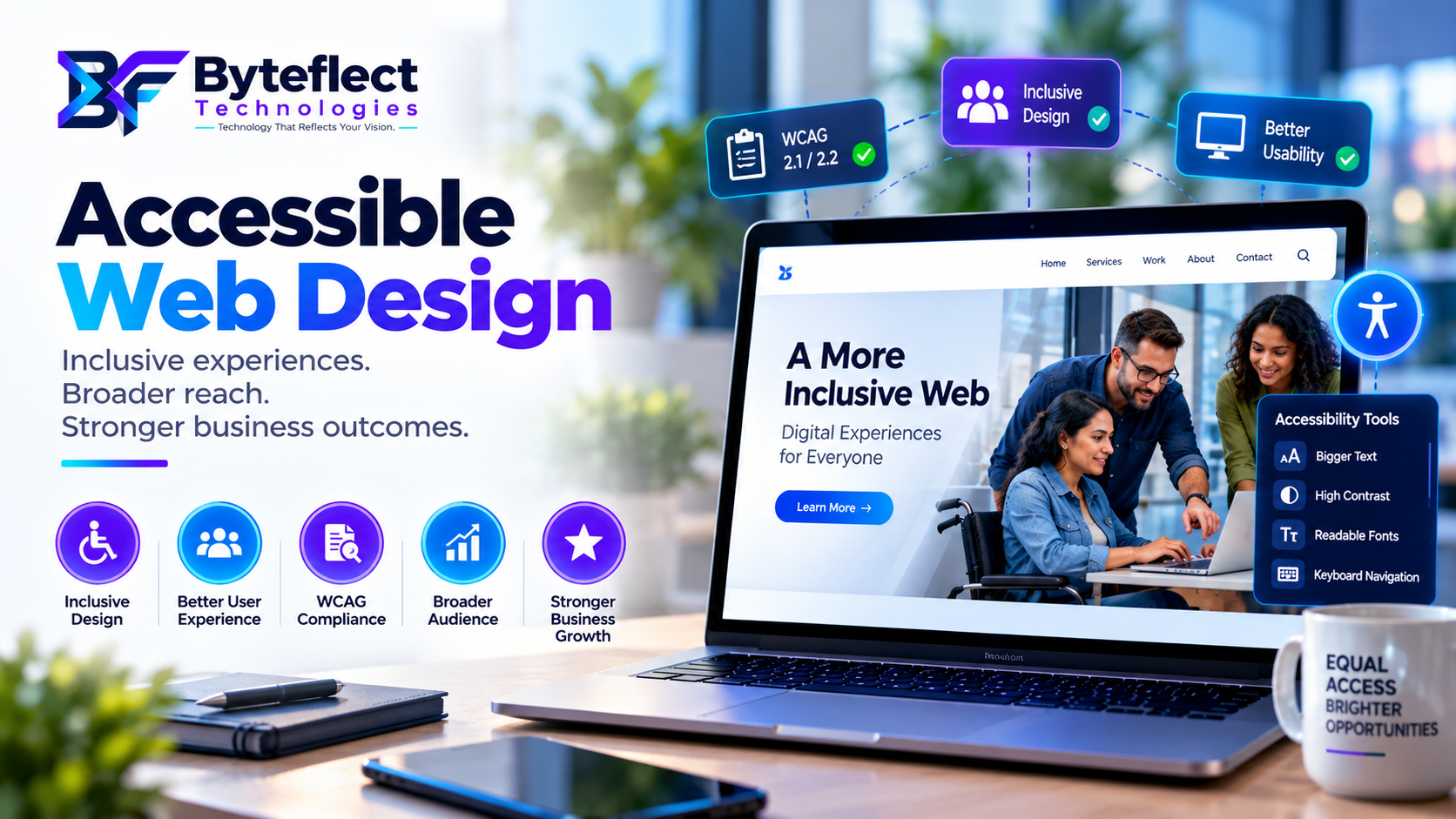
Accessible web design is the practice of creating websites that people can understand, navigate, and use across different devices, input methods, and assistive technologies. For businesses, it is not a final compliance task—it is a product-quality practice that improves usability, content clarity, conversion paths, and long-term maintainability.
What is accessible web design?
An accessible website removes unnecessary barriers from key tasks such as finding information, comparing services, completing a form, making a purchase, or getting support. It considers people who use a keyboard instead of a mouse, screen readers, browser zoom, voice input, captions, reduced-motion settings, or small mobile screens.
The goal is straightforward: the website should communicate clearly and work reliably for more people. That benefits visitors while creating a better, more resilient digital product for the organization behind it.
Accessibility starts before development
Accessibility is most effective when it begins during discovery and UX planning. Audience needs, content hierarchy, navigation, interaction patterns, contrast, responsive behaviour, and error recovery should be considered before code is written. Late testing can identify issues, but it cannot always repair structural decisions without rework.
For a new website or redesign, define accessible acceptance criteria for important journeys early: finding a service, submitting an enquiry, checking out, creating an account, or accessing key content. This gives design, development, and QA teams a shared definition of quality.
Semantic structure creates resilience
Well-structured HTML gives content meaning. Clear heading order, landmarks, descriptive links, correctly labelled form controls, buttons that behave like buttons, useful alternative text, and properly marked-up tables help assistive technologies interpret the page. They also make content easier to scan, maintain, and test.
Reusable components are especially important. When navigation, forms, cards, alerts, accordions, and modals are built accessibly once and used consistently, quality scales across the platform rather than depending on every individual page editor.
Test beyond automated tools
Automated scans are valuable, but they do not measure the complete user experience. They may identify missing labels, contrast concerns, or structural errors, yet they cannot reliably judge whether the focus order makes sense, whether instructions are understandable, or whether a visitor can complete a real task.
A practical review should combine automated checks with keyboard testing, screen-reader sampling, zoom and reflow checks, focus visibility, error handling, responsive behaviour, motion preferences, and content review. Testing the most important customer journeys first gives teams a useful, prioritized improvement plan.
Build sustainable accessibility governance
Accessibility needs to survive after launch. Author guidance, accessible templates, component documentation, content review standards, release checks, issue ownership, and periodic audits help prevent quality from declining as new pages, campaigns, and features are added.
This is why accessibility belongs alongside performance, security, analytics, and conversion optimization in an ongoing website roadmap. A website is not finished when it launches; it is a product that needs responsible ownership.
Accessible web design checklist
Accessible web design FAQs
What is accessible web design?
Accessible web design helps people use a website with different devices, browsers, input methods, and assistive technologies. It combines clear content, inclusive UX, semantic code, accessible components, and ongoing quality assurance.
Why is web accessibility important for businesses?
It improves usability, content clarity, quality assurance, and the reach of a digital experience. It also helps teams build and maintain websites more consistently as content and features evolve.
Is an automated accessibility scan enough?
No. Automated tools are useful for identifying technical signals, but keyboard testing, assistive-technology review, zoom and reflow checks, focus order, error handling, and content review are also essential.
When should accessibility be included in a website project?
Start during strategy and UX planning, then continue through design, development, QA, launch, and ongoing content governance. Addressing it early is usually more effective than retrofitting it later.
Can an existing website be made more accessible?
Yes. Begin with an audit, prioritize the most important issues, and improve structure, components, content, forms, media, and release practices in a planned sequence.
Byteflect Technologies helps businesses assess existing digital platforms and build accessible, high-performing websites, eCommerce experiences, and custom web applications. If you are planning a new project or modernization initiative, start with the journeys and outcomes that matter most to your users.
Build accessibility into your next website project.
Explore our web development services, see how our web development process manages quality from discovery through launch, learn why businesses choose Byteflect, or request an accessibility review.
Need help applying this guidance?
Tell us about your current platform, desired outcome, and target timing.
Talk to Byteflect